Oxo Audio Editor

Simple audio file editor for mac

Open, edit, save, in seconds

One file, one window. Fast launch, fast workflow: open, edit, save, in seconds. Save writes the file back in its own format, keeping markers, loop points and tags.

  • Essential tools: trim, gain, normalize, fades, etc.
  • Slicer: by transients, silence or grid.
  • Edit Loop: find the perfect loop points.
Download

The free version does not save. It allows you to make sure the app works for you. Please try it before you buy.

Feature highlights

  • Edit: trim, gain, normalize, fade in / out, reverse, silence, convert to mono / stereo, cut / copy / paste
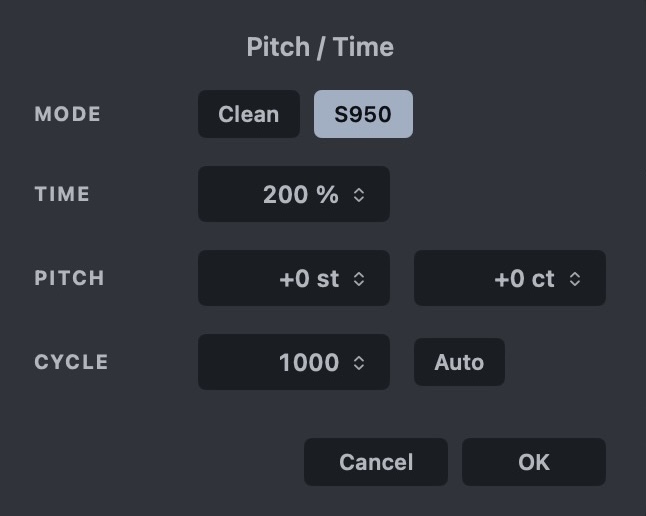
  • Pitch / Time: two algorithms, clean or the classic S950 time stretch
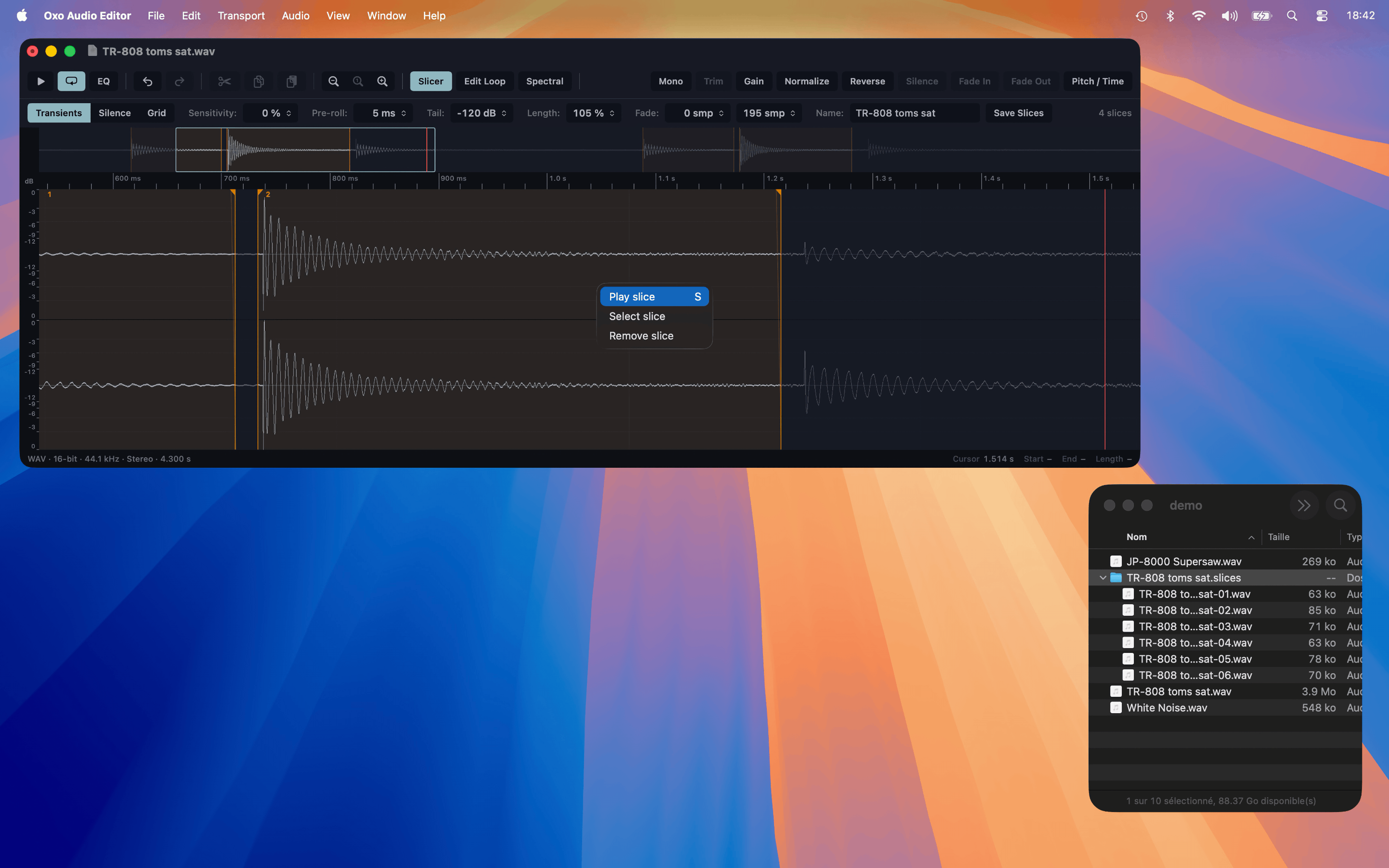
  • Slicer: by transients, silence or grid, with fades per slice. Save all slices at once
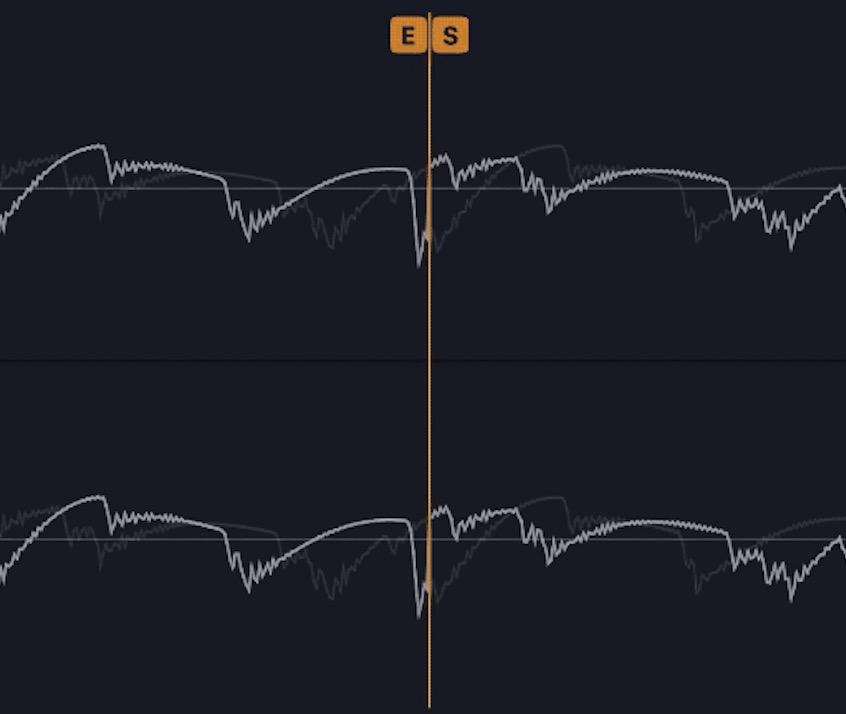
  • Edit Loop: find loop point candidates automatically, fine-tune, apply a crossfade if needed
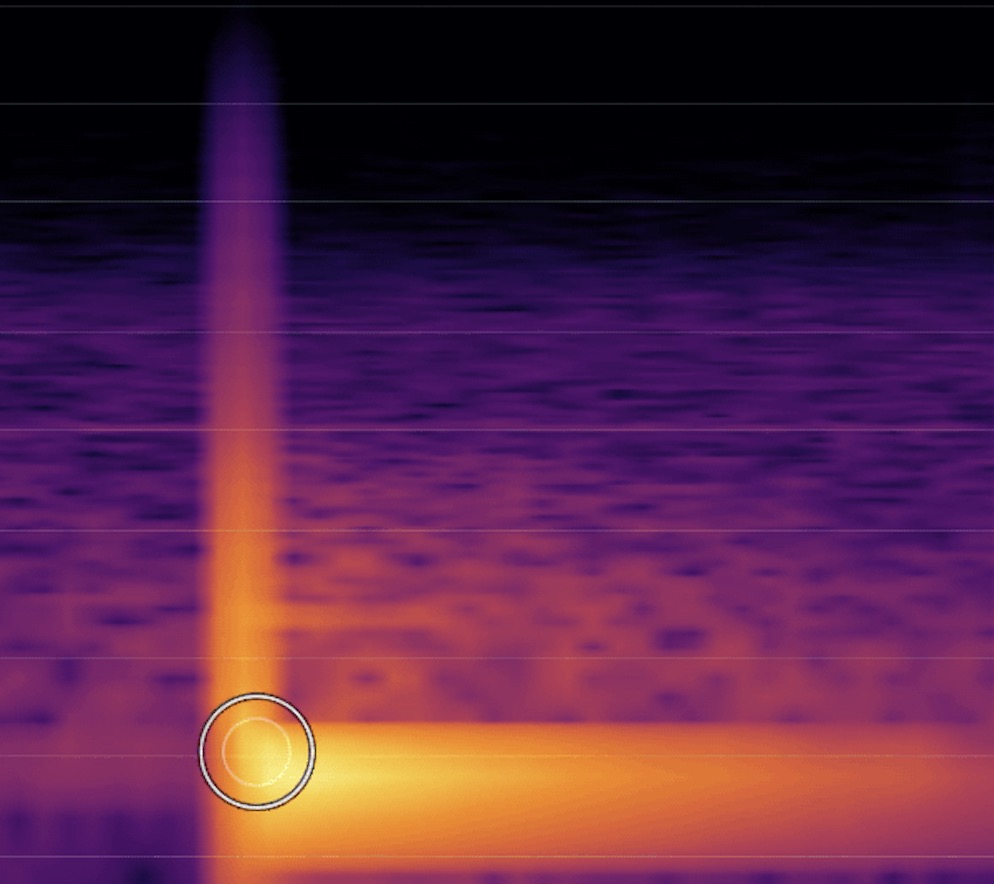
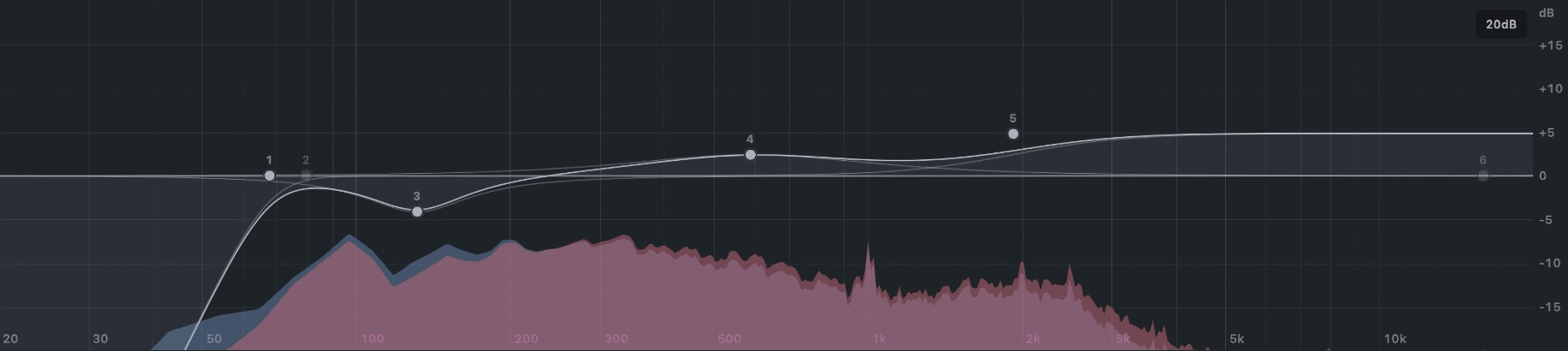
  • EQ and spectral editor: shape your frequencies
  • Formats: WAV, AIFF / AIFC, FLAC; 8 to 32-bit integer, 32 or 64-bit float. Opens MP3
  • Customizable shortcuts for every command
  • Customizable themes
  • Undo / redo

No recording. MP3 files open, but are saved as WAV, AIFF or FLAC.

Close-up

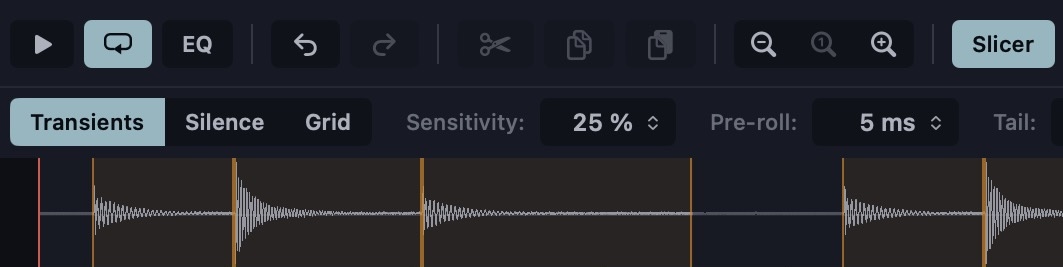
Slicer bar: transients, silence or grid, with the slices drawn on the wave
Slicer
Edit Loop view: the loop end joined to the loop start
Edit Loop view
Spectral editor with the brush
Attenuate / Accentuate specific frequencies
Pitch / Time dialog in S950 mode
Pitch / Time, S950 mode
EQ
EQ